You are using Internet Explorer and will not be able to use our website properly. Please change to an up-to-date browser for ideal presentation of the website.
KUKA.HMI
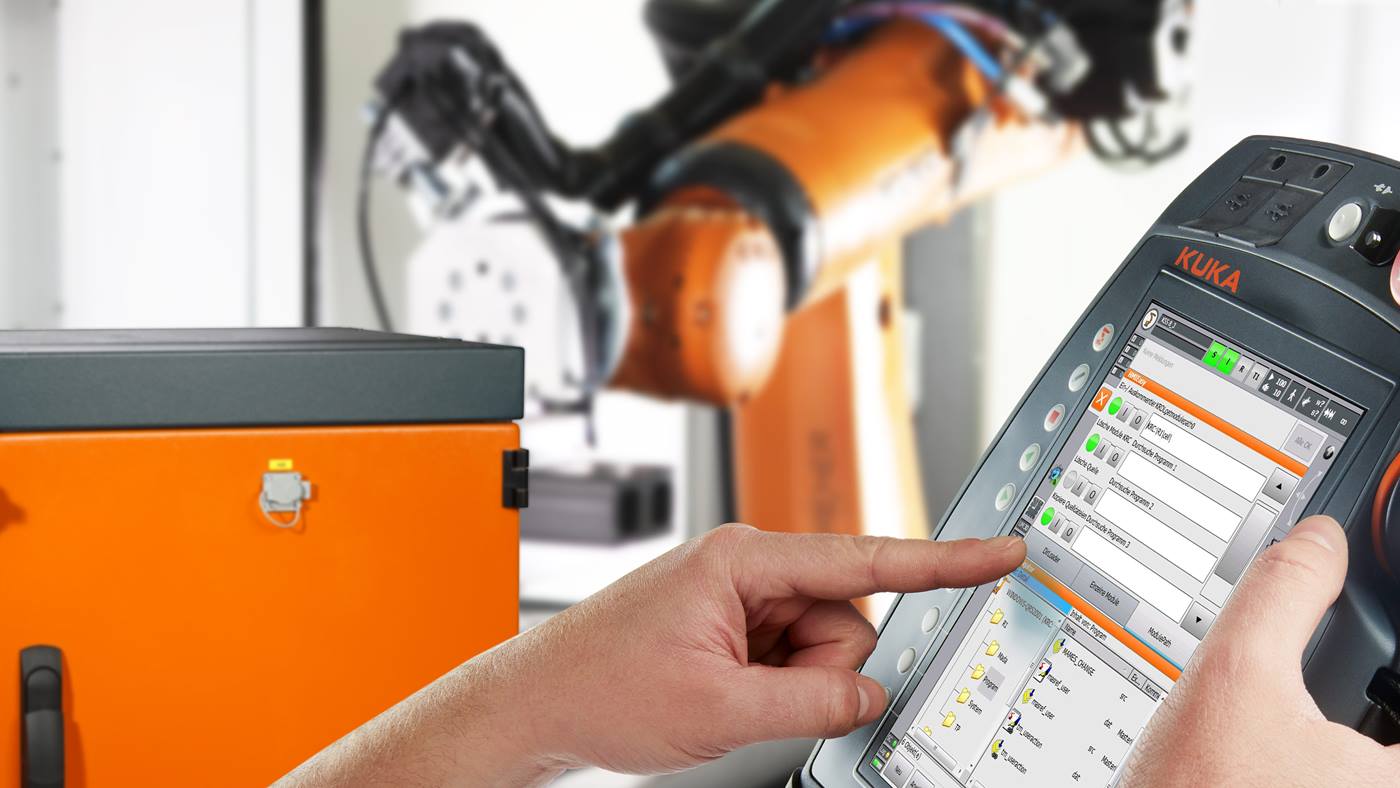
Visualization software for intuitive and user-friendly robot operation: KUKA.HMI makes communication between humans and machines easier and more efficient than ever.
Customized software solutions for more efficiency: human-robot communication with KUKA.HMI
The KUKA.HMI product family offers perfectly tailored software solutions for operating, controlling and monitoring robots in industrial production. Depending on requirements, the KUKA.HMI easy and KUKA.HMI zenon variants allow you to quickly convert the generic user interface on the KUKA smartPAD to a customized appearance that is optimally adapted to the user’s needs and can be used with no training required. Compatibility with the KR C4 robot controller makes KUKA.HMI the ideal visualization software for individual industrial robots as well as for complex robot cells.
KUKA.HMI Easy:?software makes robot operation easy and uncomplicated
With KUKA.HMI Easy, operating robots becomes even easier.?The software allows you to optimize the display on your KUKA smartPAD. For example, by:
Inserting images?
Structuring the display using tabs and columns
Hiding and showing buttons and other functions
Switching between half and full-screen view
Using other plug-ins, e.g. program editor or position display
Switching to country-specific units
This enables users to orient themselves and efficiently prevents operator errors.
KUKA.HMI Easy is the ideal visualization software for basic requirements.
KUKA.HMI zenon: maximum user-friendliness even for complex robotic applications
With KUKA.HMI zenon,?even the most challenging of robotic applications?–?particularly manufacturing cells?–are easy to handle:?over 300 direct drivers facilitate the problem-free connection of peripheral equipment or additional hardware.?This provides the user with an overview of all components as well as access to all relevant information?– and this in compact form on a single screen.
KUKA.HMI zenon Plugin: personalized software combined with standard robot operating functions
KUKA.HMI zenon Plugin enables customer-specific software to be easily integrated into the standard user interface of the KUKA smartPAD?and used simultaneously – without affecting the function of the hardkeys. Among other things, this means:
Jogging axes A1-A6 of the robot using hardkeys?
Displaying the message window
Using other plug-ins, e.g. program editor or position display
Managing user accounts with specific access rights
Switching between half and full-screen view
Freely designing display elements, e.g. buttons and boxes
Switching to country-specific units
With KUKA.HMI zenon Plugin, the hardkeys for jogging the robot can still be used.
KUKA.HMI zenon Runtime: visualization software for the highest requirements
KUKA.HMI zenon Runtime allows comprehensive customization of the robot operating functions.?In full-screen mode, the following options are available in addition to graphical adaptation:
Deactivating or functionally reassigning the hardkeys on the KUKA smartPAD
Showing and hiding message texts
Managing user accounts with specific access rights
Freely designing display elements, e.g. buttons and boxes
KUKA.HMI zenon Runtime is particularly suitable for visualizing complex robotic applications.
Visualization software for convenient and efficient robot operation: visualization with zenon
zenon from COPA-DATA makes it easy for you to design a customized software solution for your robotic application.
KUKA.HMI zenon Development: configure your own software solution for robot operation in a few steps
With the KUKA.HMI zenon Development engineering software, you can create customized software solutions in a few steps:?user-friendly drag&drop as well as predefined templates, designs and functions provide support during configuration and help you reach your goal quickly.
Configure software with KUKA.HMI zenon DEV
Easily create your own project in the editor using images and templates.
Load finished software onto robot controller
Once it has been created, you simply transfer the software to the controller for your robot application.
Use personalized KUKA.HMI for robot operation
Your KUKA.HMI is ready for use and ensures uncomplicated robot operation.